
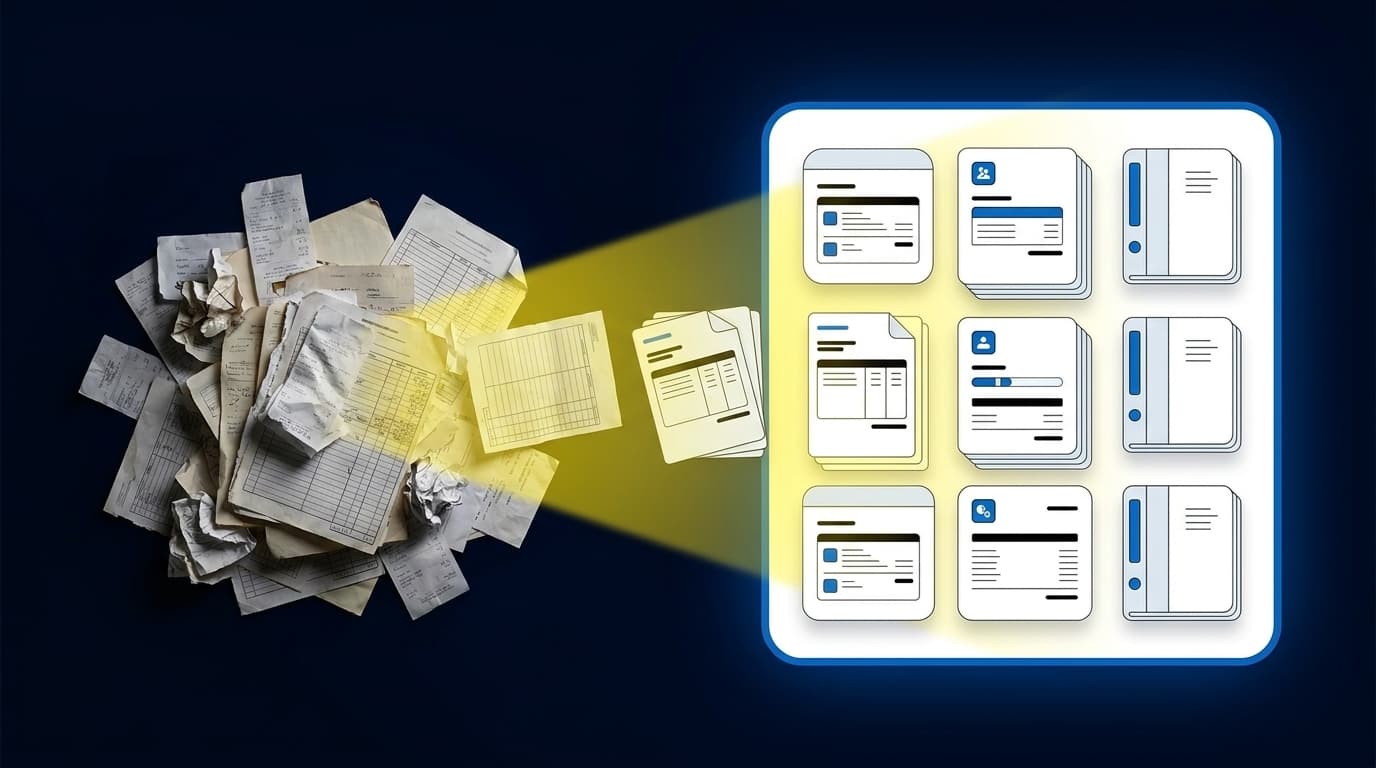
You can finish one close and still start the next by rebuilding every file that feeds it. The work people call pre close accounting tasks is not clerical cleanup; it is where source documents become accounting support a reviewer can trace. If that preparation stays manual, experienced accountants spend their time assembling numbers before they can investigate them.
Key Takeaways:
- Start with a recurring workflow that has prior workpapers and a known answer.
- Treat source-file preparation as accounting work, not basic data extraction.
- Compare prepared output against the prior result before expanding automation.
- Make source, calculation, treatment, exceptions, and reviewer sign-off visible in one workpaper.
- Route missing statements and unusual changes to the accountant instead of resolving them automatically.
- Keep Sage Intacct or QuickBooks Online as the system of record.
Why Pre-Close Work Breaks Before Review
Pre-close work breaks when source files, accounting rules, and reviewer decisions live in different places. A bank feed may land clean, while a processor export changes columns and a custodian statement arrives as a PDF with footnotes. The GL records the approved answer, but it can't prepare the support that makes the answer reviewable.
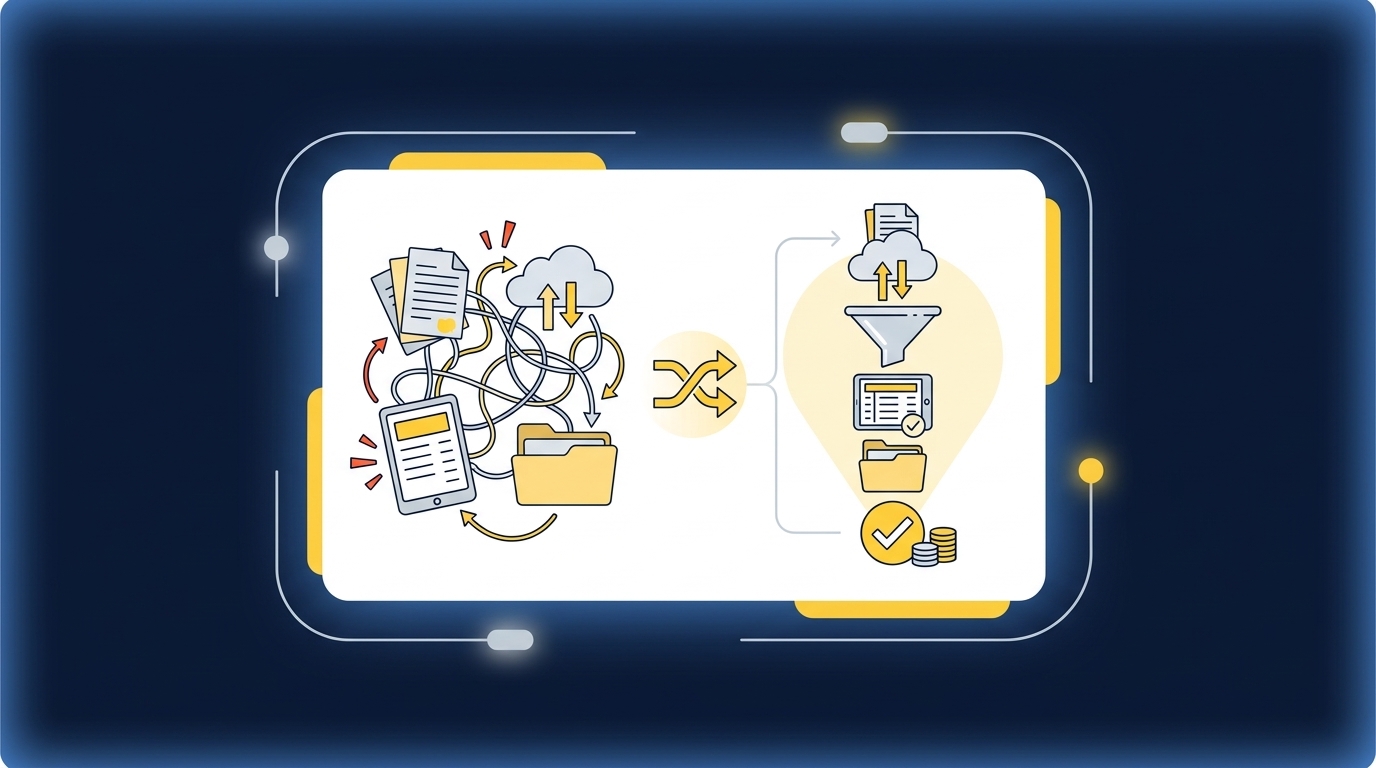
The close starts outside the ledger
A controller opens the current-period folder and finds a donor export, two processor reports, a bank file, and last month's reconciliation. One processor changed its report format. The bank deposit combines activity that needs separate fund and program treatment. Before anyone can review a journal entry, someone must determine what each file represents, check completeness, apply prior mappings, reconcile the totals, and prepare the workpaper. The accounting is already happening, just outside the GL.
Sage Intacct and QuickBooks Online are good systems of record. They aren't designed to interpret every custodian statement, donor export, or payout report that arrives upstream. Expecting the ERP to solve that gap is like asking the signed financial statements to explain every supporting calculation behind them. The record is essential, but the preparation still has to happen somewhere.
Manual visibility is not the same as control
Spreadsheets have real merits. They are flexible, familiar, and easy to adjust when a source file changes without warning. That is why accounting teams keep using them. The weakness appears when mappings sit in one workbook, reviewer notes live in email, and the reason for an exception exists only in someone's memory. You can see the files without seeing the full decision trail.
Controlled pre-close accounting tasks make the dividing line explicit. Repetitive preparation can follow established rules, while policy changes and exceptions remain with the reviewer. If you want to inspect that exact handoff from prepared workpaper to reviewer action, see the preparation workflow in action. The point isn't to hide the work. It is to put the work where the accountant can review it.
Capacity disappears before judgment begins
Senior accounting time is often consumed before the difficult questions surface. Files need to be combined. Dimensions need to be preserved. Totals need to tie, and unexplained differences need to be separated from timing items. Only then can the reviewer ask whether the accounting treatment still makes sense.
That sequence matters. The goal isn't headcount replacement, because the hardest parts of the close still require judgment. The credible gain is capacity: move experienced staff away from repeated assembly and toward investigating changes, advising stakeholders, and improving controls. Doing that requires a pre-close process that can be tested against known work, not an open-ended agent that decides what happens next.
How to Make Pre-Close Accounting Tasks Repeatable
Repeatable pre-close accounting tasks start with diagnosis, not software selection. You need to know which workflows have stable source patterns, documented treatments, prior examples, and a reviewer who owns the result. Once those conditions are visible, preparation can expand through controlled iteration instead of a broad launch across the entire close.
Diagnose the workflow before automating it
Which recurring account should you start with? Look for the work that repeats each period but still requires someone to collect files, apply known mappings, and rebuild the same support. Donation reconciliations, processor settlement coding, brokerage rollforwards, and established accrual schedules often fit because the team already knows what an acceptable output looks like.
Not every workflow belongs in the first group. A new acquisition, disputed balance, policy change, or one-time restructuring has too much unresolved judgment to serve as a stable starting point. Start with work where the accounting process already exists and the preparation burden is the problem. Four questions expose the difference:
- Does the workflow recur on a predictable schedule?
- Can you provide prior source files and an approved workpaper?
- Are the account mappings, cutoffs, and classifications already understood?
- Is there a named reviewer who can approve corrections and exceptions?
Three or four yes answers indicate a workable starting point. One or two means the process needs more documentation before automation can reproduce it reliably. That pause is useful. Automating an undefined process only makes the uncertainty harder to inspect.
Compare prepared output with a known answer
A controlled pilot begins with a closed period, because a closed period gives you something concrete to compare. Use the prior source files, the approved workpaper, the posted entry, and any reviewer notes that explain unusual treatment. Then prepare the same period again without changing the expected answer.
The comparison should happen line by line, not through a general impression that the workpaper looks right. A clean format can hide a wrong cutoff or missing dimension. Reviewers need to identify where the preparation matched, where it differed, and whether each difference came from a source issue, a missing rule, or accounting judgment. Run the comparison in order:
- Confirm that every required source file is present.
- Tie beginning balances to the approved prior workpaper.
- Compare account coding, dimensions, and allocation splits.
- Re-perform key calculations and reconciliation totals.
- Separate preparation errors from items requiring reviewer judgment.
- Record each correction against the workflow.
The status quo deserves some credit here. A good manual workpaper already contains much of the knowledge needed to control the process. The better approach doesn't discard that artifact. It uses the approved workpaper as the test case, preserves the review conventions accountants rely on, and makes differences visible before current-period work begins.
Make the workpaper the review surface
A workpaper should show how the answer was built, not merely display the ending balance. Source, calculation, accounting treatment, exceptions, and reviewer sign-off belong together because each one answers a different review question. Missing any one of them forces the accountant to reconstruct the process from files and messages.
Think of the workpaper as the chain of custody for an accounting conclusion. The source file establishes what arrived, the calculation shows what changed, and the treatment explains how the amount reaches the GL. Reviewer notes record where judgment entered the process. A review-ready workpaper should let the accountant inspect:
- Source support: The statement, export, report, or prior workpaper behind each prepared amount.
- Calculation: The rollforward, tie-out, allocation, or reconciliation used to reach the proposed balance.
- Treatment: The account mapping, cutoff, classification, and dimensions applied.
- Exceptions: Missing documents, unexplained differences, rule changes, and unusual activity.
- Approval: The correction, confirmation, and sign-off that authorize downstream use.
More documentation isn't automatically better. A workpaper can become harder to review when it contains every intermediate action but never explains which steps matter. Keep the path complete enough to re-perform the key calculation, then direct the reviewer toward the differences that require a decision. Reviewability is not volume. It is usable evidence.
Separate established rules from exceptions
The strongest pre-close workflows don't treat every item the same. Established rules belong in repeatable preparation. Missing statements, unexpected balance changes, mixed personal and business activity, or inconsistent classifications belong in an exception queue with their source context attached.
Exception handling is not a flaw in accounting automation. It is the control that keeps preparation from becoming autonomous judgment. A system should apply an approved mapping when the facts match the learned process, then stop when the facts fall outside it. The accountant decides whether the rule still applies. A practical review order is:
- Check whether all expected source files arrived.
- Review balances or classifications that changed outside the established pattern.
- Inspect unreconciled items and timing differences.
- Confirm new allocation rules before they affect the workpaper.
- Approve, correct, or return each exception with a reviewer note.
A broad exception list can create as much work as manual review, and that limitation is real. The answer isn't to suppress alerts. Tighten the workflow around a recurring process, capture reviewer decisions, and narrow future exceptions to the items that actually depart from established treatment. To examine how missing statements and unusual classifications stay in front of the reviewer, book a review-workflow demo.
Capture corrections before expanding the scope
Controlled iteration only works when corrections persist. If a reviewer fixes the same account mapping every month, the team hasn't built a repeatable workflow. It has moved the recurring correction into a different screen. Confirmed coding, allocation choices, cutoff treatment, and reviewer notes need to become operating context for the next period.
One customer described that change plainly: "Categorization is accurate, and we stopped having to double-check everything." That statement describes one customer experience, not a result every team should assume. The useful lesson is the mechanism behind it. Reviewer corrections were captured, established treatment carried forward, and later preparation could be checked against the team's own history instead of a generic template.
Expansion should follow evidence. Once the team can reproduce a known result, understand the differences, and see corrections carry into the next cycle, add another account or source set with similar characteristics. Don't jump from one successful reconciliation to every pre-close workflow at once. Each expansion should preserve the same controls:
- A recurring source pattern
- An approved prior example
- Documented accounting treatment
- Visible exception handling
- A reviewer who owns sign-off
A customer working through manual bookkeeping put the broader purpose this way: "It's not just about making bookkeeping simpler; it's about freeing up teams, and helping them focus on higher-value projects." That is the right test. Pre-close automation earns its place when it moves effort from assembly toward interpretation without weakening reviewer ownership.
How Truewind Makes Preparation Reviewable
Truewind makes controlled pre-close work practical by connecting source intake, historical treatment, reconciliation, workpaper preparation, and human review in one defined workflow. It sits upstream of Sage Intacct and QuickBooks Online, which remain the systems of record. Nothing moves downstream until an accountant reviews and confirms the prepared output.
Source-linked workpapers preserve the accounting process
Workpaper Generation and Rollforward loads the prior workpaper, current-period source documents, and ERP balances into a familiar review artifact. Balances roll forward, supporting schedules update, and any required journal-entry draft remains tied to its sources. Historical-Example Learning applies confirmed coding decisions and reviewer corrections from prior periods without changing accounting policy on its own.
Multi-Source Reconciliation handles workflows where different systems describe the same activity in different ways. A donor platform, processor report, and bank file can feed one reconciliation, while unreconciled items stay visible for reviewer judgment. One customer summarized the change as, "Truewind automates a huge chunk of that busywork." The preparation gets repeated. The accountant still owns the treatment.
Exceptions remain with the accountant
Proactive Anomaly Detection compares current-period work against the learned process and prior workpapers. Missing statements, unusual balance changes, mixed activity, and inconsistent classifications are routed to the review surface with source links. They aren't corrected automatically.
The Human-in-the-Loop Review Workflow lets accountants confirm, adjust, or return prepared workpapers, reconciliations, schedules, and journal-entry drafts. Approved output can then move to Sage Intacct or QuickBooks Online with coding and dimensions preserved. The operating boundaries stay clear:
- Preparation follows the team's captured rules and prior treatment.
- Exceptions remain visible until an accountant decides what to do.
- Reviewer corrections can inform later periods.
- The GL remains the official system of record.
- Posting never bypasses reviewer confirmation.
The fit is specific. Teams need recurring accounting work, prior examples, an established reviewer, and one of the documented ERP targets. A buyer seeking unsupervised posting or a replacement for the general ledger is evaluating a different approach. If those controls match how your team runs the close, get a Truewind demo and bring one recurring, example-rich workflow to the conversation.
What Changes When Preparation Becomes Reviewable preparation changes where accounting effort sits. Source files are organized before review, established mappings are applied consistently, differences are surfaced with support, and the accountant spends more time on the items that require judgment. Pre-close accounting tasks stop being a disconnected pile of files and become a controlled path into the GL.
One customer said, "If I had to describe Truewind in one word: Lifechanging". That is one customer's experience, not a promise. The broader point is more grounded: trust grows when the team can compare prepared work to a known answer, inspect every difference, correct the workflow, and expand only after the process proves understandable. Capacity follows control.
Frequently Asked Questions
How do I ensure my pre-close workflows are repeatable?
To make your pre-close workflows repeatable, start by identifying recurring accounting tasks that have stable source patterns. You should: 1) Document the workflows that have predictable schedules and known outputs. 2) Use Truewind's Workpaper Generation feature to create structured workpapers that tie back to previous examples. 3) Capture reviewer corrections and apply them to future periods, allowing your team to build a consistent process over time.
What if I encounter missing statements during the close?
If you find missing statements, it’s important to route these directly to the accountant for review instead of trying to resolve them automatically. Truewind's Proactive Anomaly Detection feature can help by surfacing these exceptions with the necessary context, allowing your team to make informed decisions on how to proceed. This keeps your workflow controlled and ensures that all exceptions are properly addressed.
How do I compare prepared outputs against prior results?
To effectively compare prepared outputs with prior results, follow these steps: 1) Use Truewind to roll forward the prior workpaper and align it with current-period source documents. 2) Conduct a line-by-line comparison to check for discrepancies in account coding, dimensions, and calculations. 3) Document any differences and determine if they stem from source issues or require reviewer judgment. This process ensures that you maintain accuracy and accountability in your accounting.
Can I automate the intake of various financial documents?
Yes, you can automate the intake of different financial documents using Truewind's Automated Data Ingestion feature. This allows you to upload various source materials like bank statements, credit card activity, and payout reports. Once ingested, Truewind organizes this raw data into a structured workflow, making it easier for your team to move directly into accounting tasks without manual reformatting.
When should I expand my pre-close automation?
You should consider expanding your pre-close automation once you have established a controlled process that consistently reproduces known results. Before expanding, ensure that: 1) You have captured and documented corrections from previous periods. 2) The workflow includes a recurring source pattern and an approved prior example. 3) You have a clear reviewer who can sign off on any new additions. This careful approach helps maintain control and reliability in your accounting processes.
Turn this into a close-ready workpaper
Start with sample files or upload your own statements to see how Truewind prepares review-ready workpapers and journal entries.