

Your reviewer opens a brokerage rollforward and finds a clean total with no path back to the custodian statement. You can see the answer, but you can’t see which source produced it, which treatment was applied, or what changed from the prior period.
That gap is one of the clearest signs your accounting team has outgrown manual preparation. The close may still finish. Sage Intacct or QuickBooks Online may still balance. Yet the work between source files and the GL now depends on people rebuilding context that should already exist in the workpaper.
Key Takeaways:
- A balanced workpaper isn’t review-ready unless the reviewer can trace its source, calculation, treatment, exceptions, and approval.
- Re-performing routine preparation during review is a sign that the workpaper is carrying numbers without enough context.
- Family-office scale comes from the combination of entities, custodians, source formats, and account-specific treatment.
- The strongest automation candidates are recurring workflows with prior examples and a known answer.
- Exceptions should reach the accountant with source context instead of being resolved without review.
- Controlled iteration builds confidence faster than asking a team to trust autonomous posting.
Why Your Close Breaks Before the GL
A close usually breaks upstream of the ledger, where source files are gathered, interpreted, coded, and turned into support. The GL records approved accounting. It doesn’t decide what a custodian statement represents, whether a source is missing, or why an entity used different treatment last period.
A Clean Total Can Still Be Unreviewable
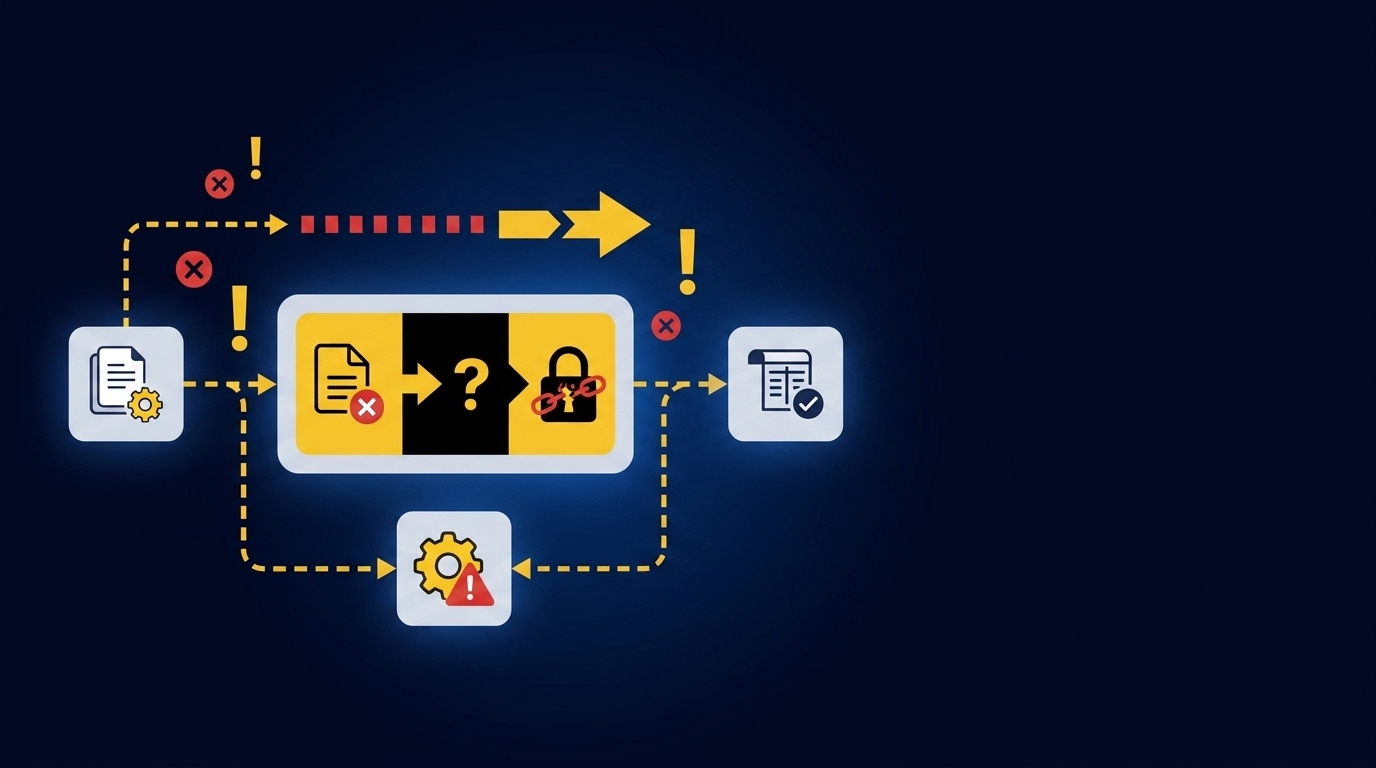
A family-office accountant receives custodian statements for several entities and begins updating the brokerage workpapers. One statement groups dividends and interest differently from the prior month. Another includes activity for an investment vehicle that uses its own account mapping. By review, the totals may agree, but the reviewer still has to reopen the statements and reconstruct how the preparer got there.
A clean total feels reassuring because it resembles completion. Frankly, that instinct is reasonable. Accountants are trained to investigate differences, and a balanced schedule removes one obvious problem. Yet a workpaper with no visible path to source is like a trial balance that balances because an unexplained plug is hidden inside it: the arithmetic works, but the control doesn’t.
Manual Touch Is Not the Same as Control
Spreadsheets remain useful because they’re flexible. A preparer can add a tab, adjust a formula, or handle a one-off statement without waiting for a system change. That flexibility is a real advantage, especially for unusual entities and transactions.
Control starts to weaken when the same adjustment has to be rediscovered each period. Reviewer notes sit in email. Classification decisions live in a prior workbook. The current preparer copies the rollforward, changes the dates, and hopes no hidden formula points to an old source. If you want to inspect how source links and reviewer actions can stay with the prepared work, See Truewind in action around one recurring workpaper.
Family-Office Scale Is a Combination Problem
Statement count alone doesn’t explain family-office complexity. The harder issue is the combination of entities, investment vehicles, custodians, changing layouts, and treatment that varies by account. A process that works for one entity and one custodian can fail when the same activity has to be prepared across the whole book.
The status quo has merits. A skilled accountant can hold a surprising amount of entity logic in memory and handle exceptions as they appear. The cost arrives when that person becomes the only reliable link between source files and the final workpaper. The useful question isn’t whether the team can finish the close. It’s whether the preparation can be repeated without rebuilding the reasoning.
How to Diagnose the Work Before the Ledger
You can diagnose preparation problems by inspecting how reviewers trace work, how prior decisions carry forward, and when exceptions become visible. The seven signs below point to a workflow problem rather than an ERP problem. Each one can be checked against work your team already completed.
Reviewers Re-Perform Work Instead of Reviewing It
Start with the review itself. If the reviewer has to reopen the custodian statement, rebuild a fee calculation, or compare several source exports before accepting a line, the workpaper didn’t finish the preparation job. Review has become a second preparation pass.
Take a small sample of completed workpapers and follow the reviewer’s path. Don’t ask whether the final number was right. Ask whether the workpaper contained enough evidence to understand and re-perform the key calculation without searching through folders or inboxes. A practical review looks like this:
- Locate the source supporting the balance or entry.
- Inspect the calculation that converts source activity into accounting treatment.
- Confirm the entity, account, and dimensional coding.
- Review unresolved exceptions and the preparer’s notes.
- Record the reviewer’s correction or sign-off in the same workflow.
If any step requires a separate reconstruction, that’s the first sign. The workpaper is acting as a report when it needs to act as the full review surface.
Prior-Period Treatment Is the Only Process Manual
The second sign appears when the team can explain a treatment only by opening last month’s workbook. Prior workpapers should provide useful operating context. They shouldn’t be the sole place where cutoffs, mappings, classifications, and allocation choices can be found.
Compare the same workflow across two completed periods. Mark every decision that came from a reviewer comment, an email, or someone’s memory rather than an explicit rule. If a new preparer couldn’t reproduce the treatment from the workpaper and source files alone, the process isn’t documented enough to automate or delegate safely. It’s dependent on recall.
One customer described the change in direct terms: “Categorization is accurate, and we stopped having to double-check everything.” That statement matters because it names the review behavior, not an abstract accuracy claim. The useful shift is from checking every prepared item again to inspecting the treatment and focusing on what fell outside the known process.
Source Volume and Entity Rules Rise Together
Two signs often travel together. Source volume keeps growing, and entity-specific rules keep multiplying. Either problem can be managed alone; the combination is where a spreadsheet-driven close starts to carry more context than the team can see at once.
Build a simple matrix from one recurring workflow. Put entities down the left side and source systems across the top, then note where treatment differs by account, vehicle, or custodian. You’re looking for four concrete conditions:
- The same activity appears in more than one source.
- Source layouts change across periods.
- Similar transactions receive different treatment by entity.
- A reviewer must sign off across the combined book.
A clean, single-entity workflow with one stable source may not need a preparation layer. That exception is real. Once the matrix shows several sources describing the same activity while treatment changes by entity, file intake and accounting logic can’t be separated. Book a Truewind demo if a brokerage rollforward or multi-entity reconciliation is the exact workflow you want to test against a known answer.
Exceptions Surface Only During Final Review
The fourth sign is late discovery. A missing statement, unexpected balance movement, mixed personal and business activity, or inconsistent classification isn’t identified during preparation. It appears when the reviewer compares the finished workpaper with prior periods or asks why a total changed.
Late exceptions create a specific kind of rework. The reviewer sends the item back, the preparer reopens the source set, and the workpaper moves through review again. Everyone touched the file, but no one had a clear exception queue while the work was being prepared. That’s why exceptions belong inside the workflow.
Check where your team records unresolved items. If they live in email, chat, or a separate close checklist, the workpaper can look complete while judgment items remain outside it. A reviewable process puts the exception beside its source and lets the accountant decide the treatment. It never treats a missing statement as permission to guess.
The ERP Is Clean but Preparation Is Fragmented
The fifth sign is a functioning ledger surrounded by fragmented preparation. Sage Intacct or QuickBooks Online may record entries correctly after approval. The delay sits earlier, while the team combines files, applies mappings, checks totals, prepares support schedules, and drafts journal entries.
Map one recurring close workflow from source receipt to approved entry. Put a mark beside every step completed before the journal-entry draft exists. If most of the work happens in downloaded reports, PDFs, spreadsheets, and reviewer messages, replacing the GL won’t address the bottleneck. The system of record is doing its job.
A customer once described the experience as, “It’s like having an entire accounting department at our fingertips - efficient, accurate, and effortless.” The phrasing is enthusiastic, but the operating point underneath it is concrete: the useful work happens before the ledger, where source evidence becomes something an accountant can review. That preparation layer has to preserve the path back to each source.
A Known-Answer Workflow Is Ready for a Pilot
The sixth diagnostic asks whether the team has a controlled starting point. Strong candidates are recurring workflows with current source files, a prior workpaper, established treatment, and a reviewer who knows the accepted answer. Brokerage rollforwards, processor reconciliations, and recurring schedules fit because the team can compare prepared output against work it has already approved.
A pilot shouldn’t begin with the messiest workflow simply because it hurts the most. That approach sounds bold, but it removes the reference point needed to evaluate the preparation. Start where differences can be explained. Use a sequence the team can inspect:
- Select one recurring, example-rich workflow.
- Supply the prior workpaper and current source files.
- Prepare the current period using the established treatment.
- Compare the output with the known answer.
- Capture reviewer corrections before the next period.
Controlled iteration takes more discipline than a turnkey demo. That’s the honest limitation. It also gives the accounting team evidence that corrections persist and that the output remains understandable before the scope expands.
The Team Wants Capacity Without Removing Review
The seventh sign is organizational. Your accounting team wants to spend less time assembling support, but it won’t give up reviewer ownership of treatment or posting. That isn’t resistance to automation. It’s a sound boundary for recurring accounting work.
In one customer conversation, a finance leader said, “If I had to describe Truewind in one word: Lifechanging”. Another accounting customer put the value more precisely: “It's not just about making bookkeeping simpler; it's about freeing up teams, and helping them focus on higher-value projects.” Neither statement means the accountant disappears. The preparation moves earlier into a repeatable workflow, while judgment stays with the reviewer.
Teams seeking unsupervised posting aren’t asking for the same thing. Neither are businesses without a defined close, prior examples, or a dedicated reviewer. The strongest fit is an accounting team that already owns the process and wants preparation to arrive in a form it can inspect, correct, and approve.
How Truewind Prepares Work Reviewers Can Accept
Truewind sits between recurring source files and the GL, preparing workpapers, reconciliations, schedules, and journal-entry drafts for accountant review. It follows the team’s existing treatment, surfaces exceptions with source context, and moves approved output to Sage Intacct or QuickBooks Online only after reviewer confirmation.
Workpapers Keep Preparation and Judgment Together
Workpaper Generation and Rollforward brings the prior workpaper, current-period source documents, and ERP balances into the same recurring workflow. Balances roll forward, supporting schedules update, and any journal-entry draft stays tied to its source. The accountant can confirm the treatment, adjust it, or send the item back.
The Human-in-the-Loop Review Workflow keeps source links, exception queues, reviewer actions, and prepared output together. Historical-Example Learning captures confirmed treatment and reviewer corrections for later periods without changing accounting policy on its own. The Audit Trail preserves what source and reviewer decision produced each item.
One accounting customer summarized the preparation work plainly: “Truewind automates a huge chunk of that busywork.” The important word is preparation. Accountants still own accounting policy, materiality, exception treatment, and sign-off.
Exceptions Stay Visible Before the ERP Push
Multi-Source Reconciliation aligns activity from systems that describe the same event differently, such as a custodian statement, an investment-vehicle statement, and an ERP balance. Unreconciled items aren’t forced to agree. Proactive Anomaly Detection compares current preparation with prior workpapers and the learned process, then presents missing statements or unexpected changes to the reviewer with source links.
The handoff to the ledger follows the same boundary:
- Prepare the work: Structure source inputs and apply established treatment.
- Surface the difference: Keep unreconciled items and rule changes visible.
- Review the output: Let the accountant confirm, correct, or return the item.
- Push after sign-off: Send approved, structured output to Sage Intacct or QuickBooks Online.
Sage Intacct and QuickBooks Online remain the systems of record. The platform doesn’t post without reviewer confirmation, and it doesn’t resolve an exception on the accountant’s behalf. If your missing piece is a review surface that keeps source evidence attached through the ERP handoff, Get a Truewind demo focused on one recurring workflow.
What Your Accounting Team Should Change Next
Start with the work reviewers re-perform, not the journal entries they eventually approve. Choose one recurring workflow with prior examples, make every source and treatment visible, route exceptions to the accountant, and compare the prepared output with a known answer.
The goal isn’t autonomous accounting. It’s preparation that arrives ready for judgment, with the accountant still in control of corrections, sign-off, and posting.
Frequently Asked Questions
How do I ensure my workpapers are review-ready?
To make your workpapers review-ready, start by ensuring that each entry has a clear path back to its source. Use Truewind's Workpaper Generation and Rollforward feature to create a structured workflow that ties current-period source documents and prior workpapers together. This way, reviewers can easily trace calculations and confirm treatments without needing to dig through emails or separate files. Additionally, keep a record of reviewer corrections within the workflow to maintain consistency across periods.
What if my team struggles with exception handling?
If your team is facing challenges with exception handling, consider using Truewind's Proactive Anomaly Detection feature. This tool identifies discrepancies like missing statements or unexpected balance changes and routes them to the accountant with the necessary source context. This way, exceptions are visible during the preparation process, allowing your team to address them proactively rather than during the final review. Ensure that unresolved items are documented within the workflow to streamline the review process.
Can I automate data ingestion for my accounting processes?
Yes, you can automate data ingestion by using Truewind's Automated Data Ingestion feature. This allows you to upload various source materials like bank statements and credit card activity, which are then converted into structured workflows. By eliminating the need for manual reformatting, your team can focus on more valuable tasks rather than spending time organizing raw data. This structured approach helps reduce errors and speeds up the month-end close process.
When should I consider switching to Truewind?
You should consider switching to Truewind if your accounting team is frequently re-performing work during reviews or struggling with inconsistent data from multiple sources. Truewind's Human-in-the-Loop Review Workflow can help streamline your processes by ensuring that prepared workpapers, reconciliations, and schedules are ready for review with clear source links. If you find that your current method lacks visibility and control, Truewind can enhance your workflow by preserving the path back to each source while maintaining reviewer oversight.
Turn this into a close-ready workpaper
Start with sample files or upload your own statements to see how Truewind prepares review-ready workpapers and journal entries.